 Paysum
Sale alerts
Get notified of orders, stock changes and milestones in the dashboard, by email, on your phone, Discord or Telegram.
Choose where each store event reaches you. Open Settings → Sale alerts.
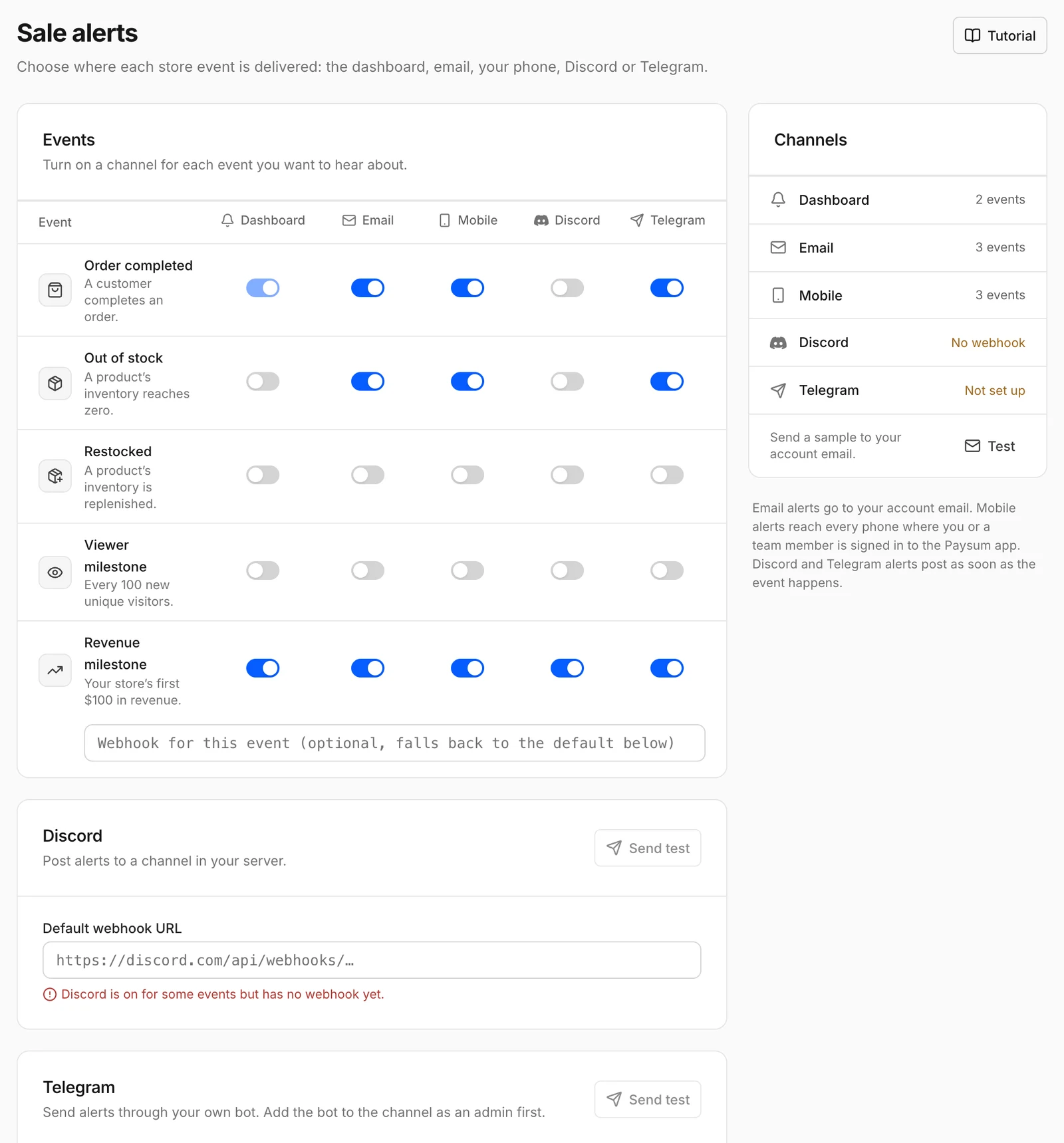
Events
| Event | When |
|---|---|
| Order completed | A customer completes an order. |
| Out of stock | A product's inventory reaches zero. |
| Restocked | A product's inventory is replenished. |
| Viewer milestone | Every 100 new unique visitors. |
| Revenue milestone | Your store's first $100 in revenue. |
Turn each event on or off per channel: Dashboard, Email, Mobile, Discord and Telegram.
Channels
- Discord: paste a Default webhook URL from your Discord channel settings. Each event can have its own webhook; empty falls back to the default.
- Telegram: enter your Bot token and the Channel ID (
@channelor-100…). Add the bot to the channel as an admin first. - Email goes to your account email. Mobile goes to the Paysum app when you are signed in.
Use Test to send a sample.