 Paysum
Store popups
Show announcements, coupon offers and spin-to-win wheels to storefront visitors.
Popups show on your storefront to visitors. Open Marketing → Popups.
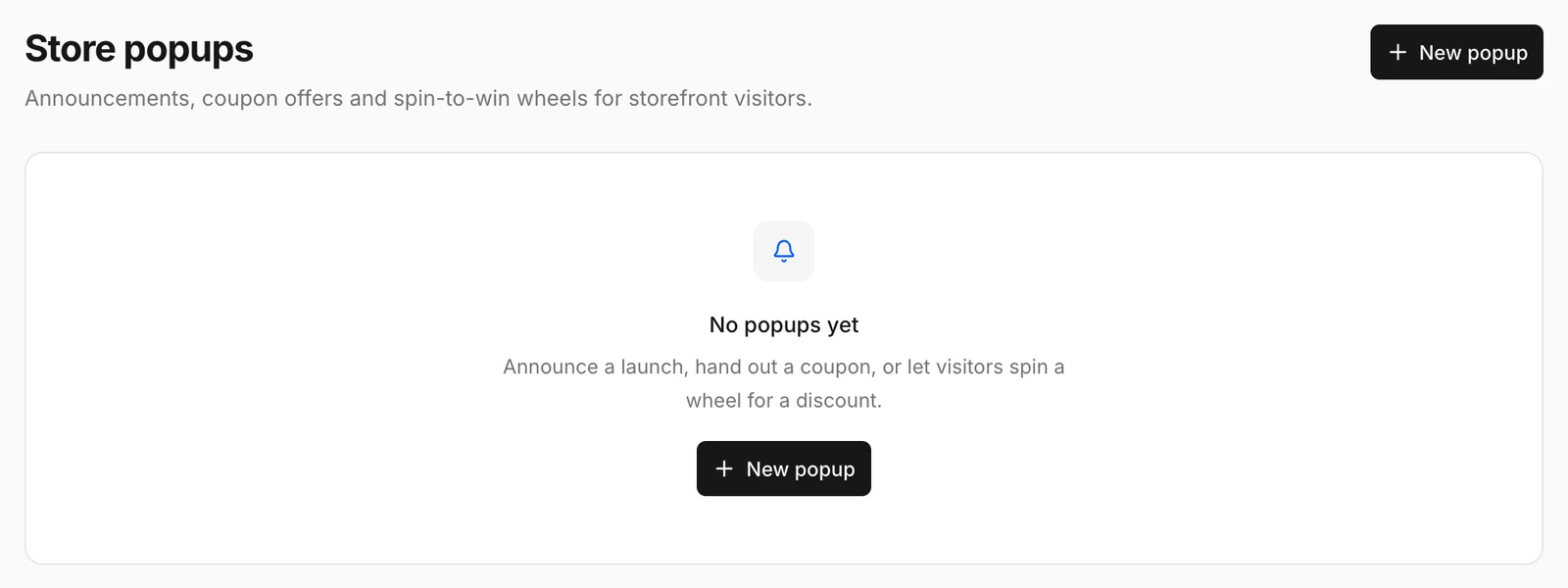
Create a popup
- Click New popup.
- Choose the Kind:
- Announcement: a message, for example a launch or a sale.
- Coupon: hands out a coupon code.
- Spin wheel: visitors spin a wheel for a discount.
- Choose the Display: Modal, Corner or Top banner. Corner popups can sit at the top or bottom, left, center or right.
- Set a Delay: how long after the page loads the popup opens.
- Save, and turn it Active.
Use the switch on each popup to turn it on or off.
Tips
- Create the coupon first under Coupons if the popup hands one out.
- One popup at a time is enough. Several popups in a row annoy visitors.