 Paysum
Import from another platform
Bring your products and coupons over from Shoppex, SellHub, SellAuth, Sell.app or Komerza.
Move your catalog to Paysum without copying it by hand. Open Settings → Import store.
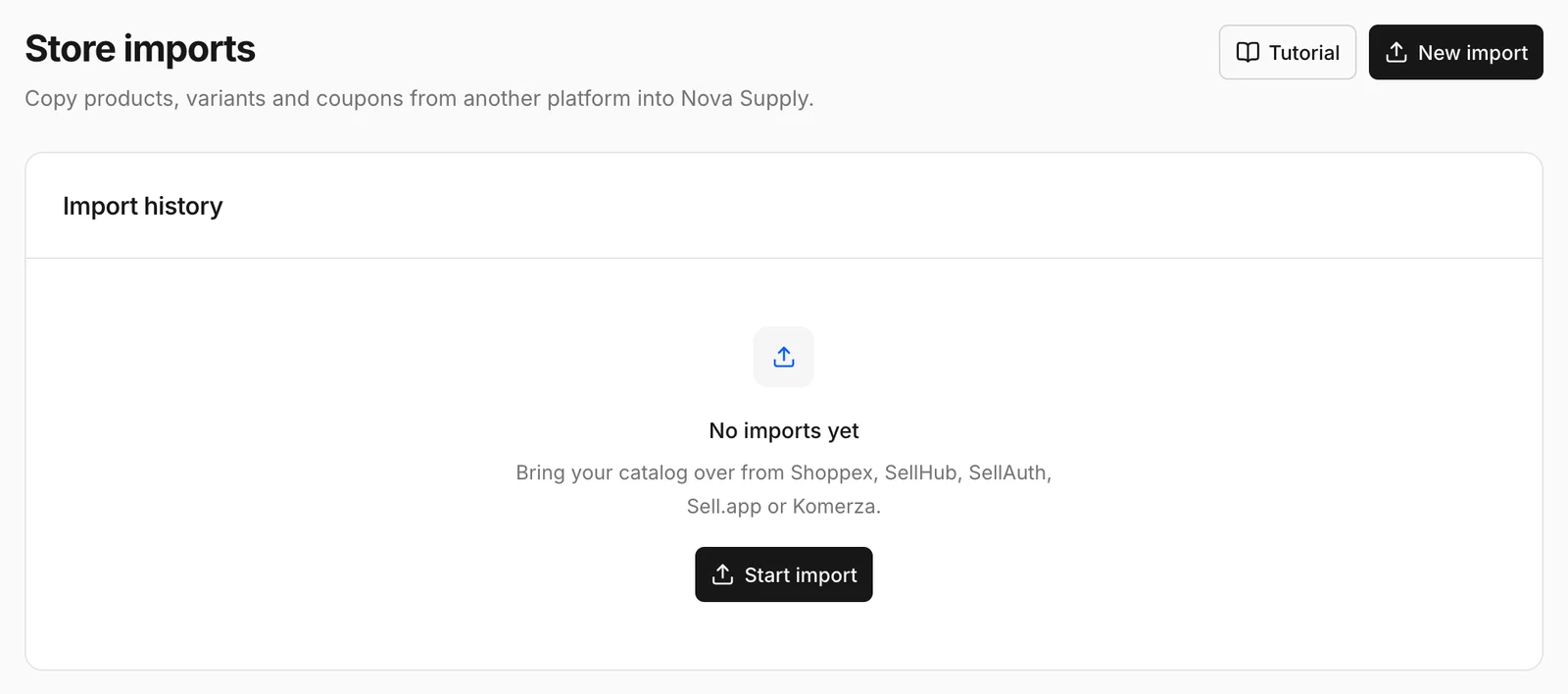
Import
- Click Start import.
- Choose the Platform: Shoppex, SellHub, SellAuth, Sell.app or Komerza.
- Paste an API key from that platform.
- Optionally limit the import to one store:
- Store slug for platforms that use one.
- Store ID for Komerza (from your Komerza settings). Leave it empty to import every store the key can access.
- Start the import.
Import history shows each import's Provider, Stores, Products, Coupons and Status.
After the import
- Check each product's price, delivery and stock. Load license keys again if the old platform did not export them.
- Connect your payment methods. Payment settings do not import.
- Point your domain at Paysum with Connect a custom domain.
- Revoke the API key on the old platform when you are done.