 Paysum
Discord webhooks
Post new orders, refunds, reviews and other store events to a Discord channel.
Post store events to a channel in your Discord server. Open Integrations → Webhooks.
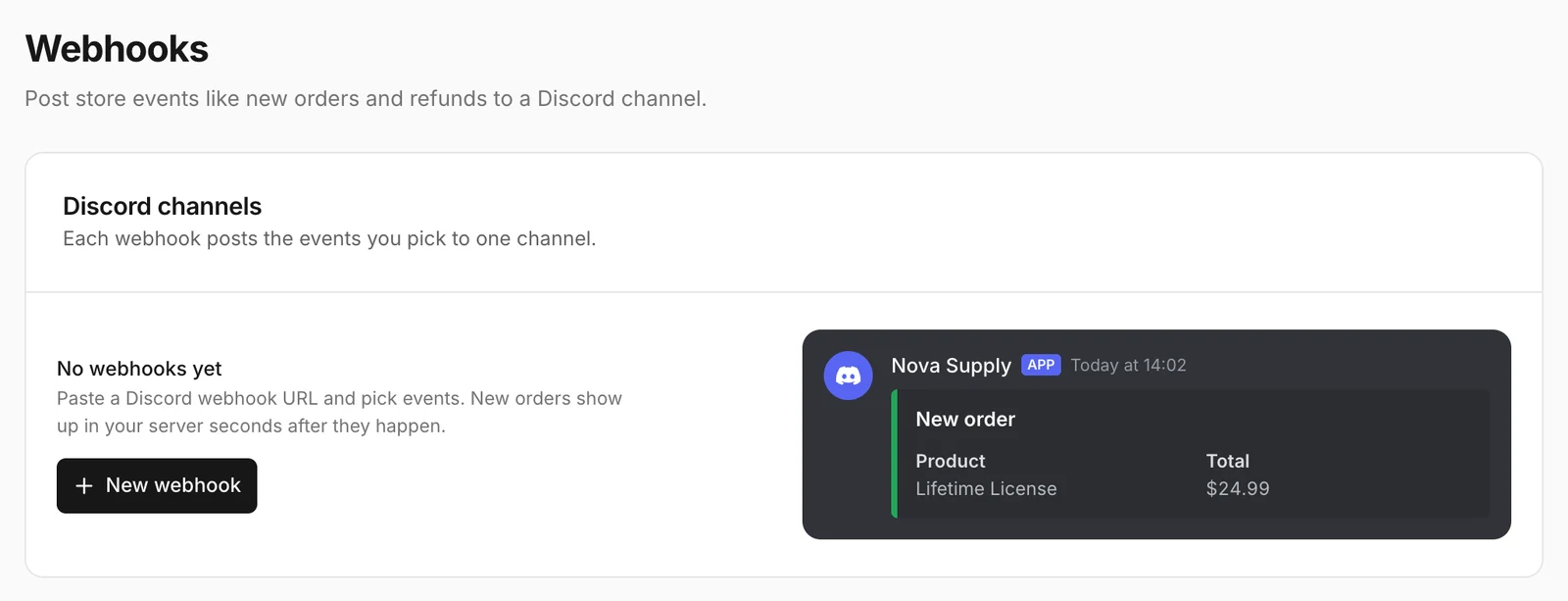
Add a webhook
- In Discord, open the channel's settings → Integrations → Webhooks, create a webhook and copy its URL.
- In Paysum, add a webhook and paste the Webhook URL (
https://discord.com/api/webhooks/…). - Choose the Events to post:
| Event | Posted when |
|---|---|
| New order | An order is created. |
| Order completed | An order is paid and delivered. |
| Order refunded | An order is refunded. |
| Order shipped | A physical order is shipped. |
| New product | You add a product. |
| New customer | Someone buys for the first time. |
| New review | A buyer posts a review. |
- Save.
Each webhook posts to one channel. Add more webhooks for more channels.
Webhooks to your own server
To receive signed events on your own server, see Webhooks in the developer docs.