 Paysum
Automations
Let your store act on its own when orders, refunds, stock or reviews change.
An automation runs an action when something happens in your store. Open Automations → Automations.
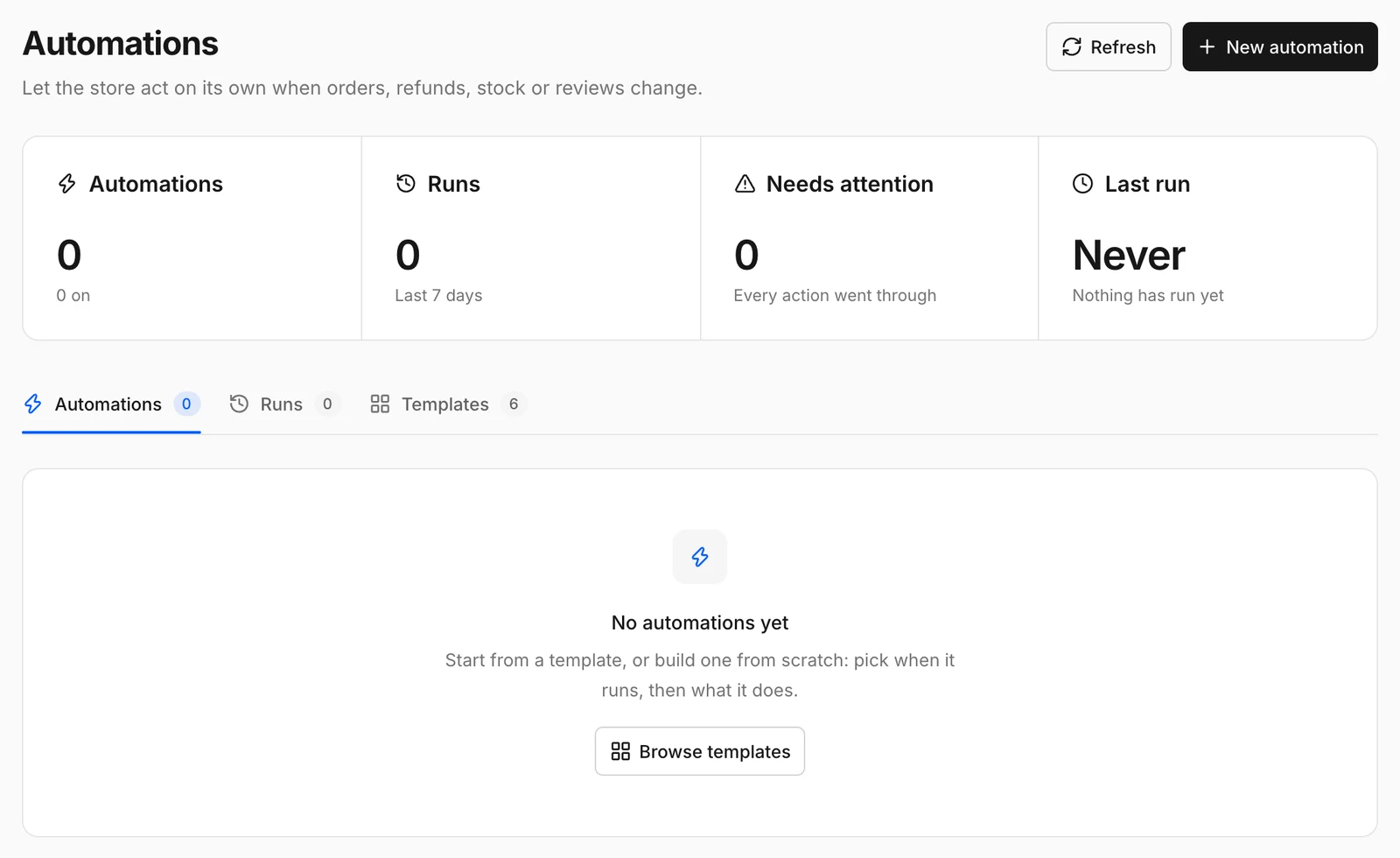
Create an automation
- Click New automation, or Browse templates to start from a ready-made one.
- Pick when it runs:
| Trigger | Runs when |
|---|---|
| Order paid | An order is paid. |
| Order refunded | An order is refunded. |
| Product sells out | A product's stock reaches zero. |
| Review posted | A buyer posts a review. |
| Every day | Once a day. |
- Pick what it does:
| Action | Effect |
|---|---|
| Send a Discord message | Posts to a Discord webhook. |
| Email me | Sends you an email. |
| Send the buyer a coupon | Emails the buyer a coupon code. |
| Block the buyer | Blocks the buyer from future checkouts. |
| Call a webhook | Sends the event to a URL on your server. |
- Save and turn it on.
Use Run test to try an automation without waiting for a real event.
Runs
Automations → Runs lists every time an automation fired, with the Result and Details. Needs attention counts runs where an action failed. Templates lists the ready-made automations.